
1. Executive Summary: The Indian MSME Billing Dilemma
Over the past five years, mobile billing applications such as MyBillBook and Vyapar revolutionized how Indian shopkeepers transitioned from handwritten paper ledger books (*kaccha parcha*) to digital invoices. Their easy smartphone interfaces allowed retailers to send simple WhatsApp bills to customers.
However, as Indian businesses scale past the single-phone counter stage, shopkeepers encounter steep challenges: rapid annual renewal fee hikes, device lock-ins where desktop software costs triple the mobile tier, and database sync latency when two employees create bills simultaneously.
Adding a secondary computer or billing counter escalates annual SaaS renewal costs sharply.
Local SQLite sync models frequently cause inventory count discrepancies during peak retail hours.
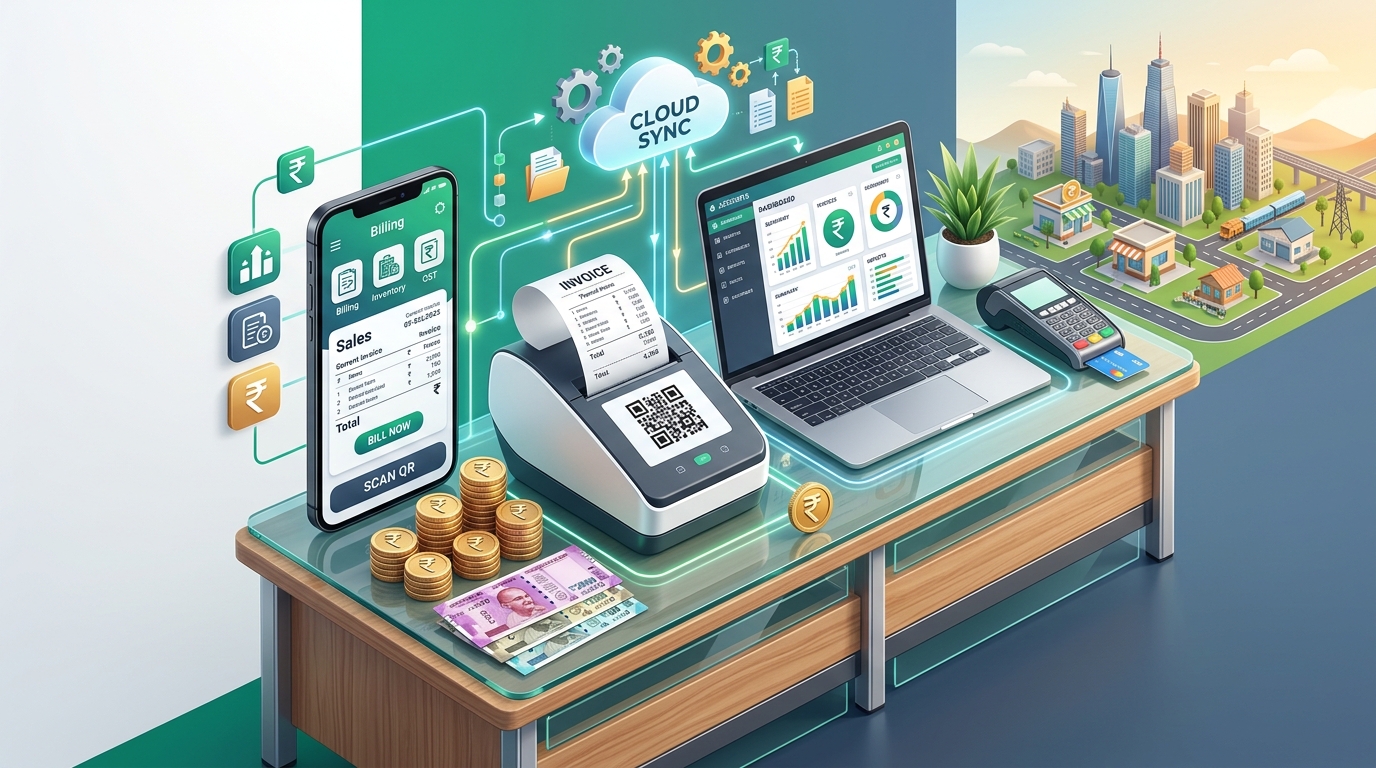
GST Munshi operates smoothly across any phone, tablet, laptop, or desktop with instant real-time sync.
Billing Software 3-Year Total Cost of Ownership (TCO) Calculator
Simulate your software licensing expenses across devices and compare realistic savings over a 36-month horizon.
3. Detailed Feature Comparison Matrix: GST Munshi vs Competitors
To help you choose the right platform for your store or warehouse, here is an objective feature comparison based on real-world testing across desktop computers, tablets, and Android POS hardware:
| Feature / Capability | GST Munshi | MyBillBook | Vyapar | TallyPrime |
|---|---|---|---|---|
| Free Plan Availability | Lifetime Free Tier | Limited Trial Only | Watermark on Free Bills | Paid License Only |
| Cloud Architecture & Sync Speed | Instant Real-Time Web Cloud | Hybrid Cloud (Sync Delays) | Local First (Requires Sync Pass) | Local On-Premises File |
| Thermal POS Printing (2" & 3") | Native Instant Print (USB/BT) | Supported on Android | Supported on Windows/Android | Requires Custom TDL |
| Multi-Device Access | Unlimited (Web, Phone, Mac, PC) | Extra charge per device | Extra charge per desktop | Expensive Multi-User Edition |
| Dynamic UPI QR on Receipts | Auto-calculated Exact Bill QR | Supported | Supported | Requires Bank Add-on |
| Government GSTR-1 JSON Export | Direct 1-Click Upload JSON | Excel/JSON Export | Excel/JSON Export | Full GSTR-1 Module |
| CA & Accountant Portal Access | Direct Share with Your CA | Manual Excel Sharing | Manual Backup Sharing | Native Tally Data Share |
5. Hardware Compatibility: Thermal Printers, Barcode Scanners & POS
Modern retail counters require fast, dependable printing. Waiting 10 seconds for an A4 ink printer ruins customer experience at checkout. GST Munshi is optimized for ultra-fast point-of-sale hardware:
2-Inch (58mm) Thermal Roll
Perfect for compact counters, pan shops, mobile accessories, and kirana stores. Prints item name, quantity, price, tax breakdown, and UPI QR code in under 1 second.
3-Inch (80mm) Thermal Roll
The gold standard for supermarkets, garment boutiques, and restaurants. Offers larger font sizes, detailed HSN code tables, discount savings badges, and return policy terms.
Standard A4 / A5 Tax Invoices
Ideal for wholesale distributors, transport waybills, and B2B manufacturers requiring full bank account IFSC details, transporter vehicle numbers, and authorized signatures.
6. Tax Compliance: Direct GSTR-1 JSON Filing vs Excel Exports
The ultimate test of any Indian billing software is what happens at the end of the month when your accountant files your GST returns. Many apps only export raw Excel sheets that require hours of manual formatting in the offline utility tool.
GST Munshi generates 100% government-compliant GSTR-1 JSON files verified against official CBIC schema rules:
- Table 4 (B2B Invoices): Automatically validates purchaser GSTIN checksums and organizes invoices by rate slab.
- Table 7 (B2C Small): Consolidates state-wise and rate-wise retail receipts without duplication.
- Table 12 (HSN Summary): Formats statutory bifurcation (
hsn_b2bandhsn_b2c) with official quantity codes (UQC). - Table 13 (Document Tracking): Maintains sequential non-overlapping invoice numbering with accurate cancel counts.
7. How to Switch from MyBillBook to GST Munshi in 3 Easy Steps
Switching your billing software doesn't mean starting from scratch. You can import all your customer ledgers and stock inventory within minutes:
Export from MyBillBook
Open MyBillBook > Settings > Data Export. Download your Parties List (Customers & Suppliers) and Item List (Inventory) as an Excel (.xlsx) file.
Sign Up for GST Munshi
Create your account on GST Munshi. Enter your business name, GSTIN, and store address.
Instant Import & Start Billing
Upload your customer contacts and product catalog. Connect your Bluetooth thermal printer and generate your first instant GST invoice!
Recommended Video Tutorials & Practical Walkthroughs
Watch these handpicked, expert video guides covering practical compliance, step-by-step procedures, and real-world implementation:
Recommended Video Tutorials & Practical Guides


8. Frequently Asked Questions (FAQs)
Can I use GST Munshi on my phone as well as my desktop computer?
Yes. GST Munshi is a responsive, cloud-native application. You can log in simultaneously from your desktop browser at the billing counter and your Android or iOS smartphone on the warehouse floor without paying extra device fees.
Will my invoice data remain safe if my computer crashes?
Unlike offline desktop software where a hard drive failure can erase your business data, GST Munshi securely encrypts and backs up your transactions in enterprise cloud databases with real-time replication.
Can I share live accounts with my Chartered Accountant (CA)?
Yes. You can invite your tax consultant or accountant with read-only audit access, enabling them to inspect sales registers, GSTR-3B summaries, and GSTR-1 data directly without back-and-forth Excel emailing.