What is TCS under Section 52 of the CGST Act, how is it calculated, and how do online sellers claim it?
1. What is TCS Under GST (Section 52)?
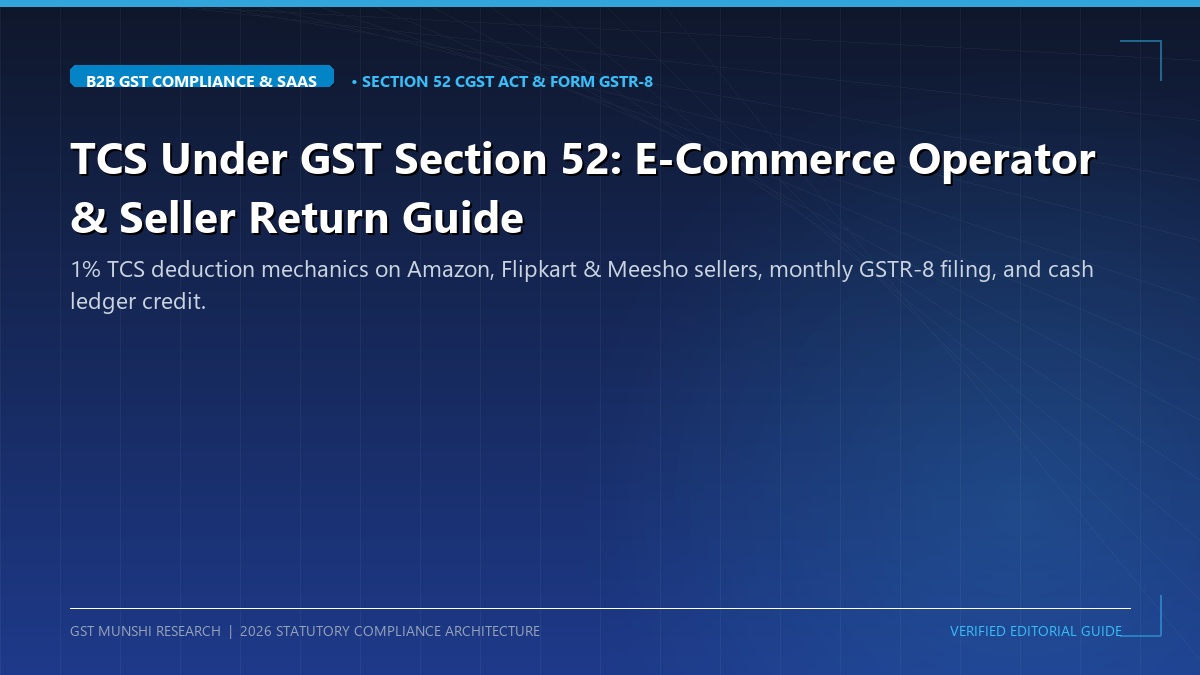
The rapid expansion of multi-vendor digital marketplaces introduced unique tax compliance challenges in tracking millions of daily consumer transactions. To create an automated digital audit trail, the Government introduced Tax Collected at Source (TCS) under Section 52 of the CGST Act, 2017.
TCS is not an additional tax burden on the seller. It is a withholding mechanism where the platform withholds 1% of the net transaction value at the time of payout and deposits it with the Government against the seller's GSTIN, ensuring compliance and preventing unrecorded retail sales.
1.0% Net Deduction
Calculated strictly on taxable sales after subtracting customer returns, excluding GST components.
Cash Ledger Credit
100% of deducted TCS flows straight into the seller's Electronic Cash Ledger, usable like real cash.
10th Monthly Cut-Off
Operators must furnish Form GSTR-8 by the 10th of every month to credit funds to sellers.
2. Who is Impacted: Operators vs Marketplace Sellers
Electronic Commerce Operators (ECO)
Any entity that owns, operates, or manages an electronic platform facilitating commercial supplies (Amazon, Flipkart, Meesho, Nykaa, JioMart, Myntra).
- Mandatory separate GST registration as a TCS Collector in every state of operation.
- Withhold 1% TCS from seller settlement payouts.
- File monthly Form GSTR-8 by the 10th.
Marketplace Sellers
Any trader, manufacturer, or brand selling physical products or non-exempt services via digital platforms.
- Must hold regular GSTIN (composition scheme prohibited for inter-state e-com).
- Report gross turnover in Table 3.1(a) of Form GSTR-3B.
- Accept monthly TCS credit on the GST portal to offset tax liabilities.
3. The 1% TCS Rate & Net Value Calculation Formula
TCS is governed by an exact statutory arithmetic formula defined in the Explanation to Section 52(1):
Net Value of Taxable Supplies = Gross Taxable Supplies – Taxable Sales Returns
- Gross Taxable Supplies: Value of all dispatched orders where payment is collected by the marketplace.
- Minus Sales Returns: Value of products returned by buyers (RTO or customer return) during that exact calendar month.
- Exclusion of GST: TCS is calculated strictly on base taxable turnover, NEVER on invoice gross including GST.
| Supply Nature | CGST Rate | SGST Rate | IGST Rate | Total TCS Rate |
|---|---|---|---|---|
| Intra-State Supply (Buyer in same state) | 0.50% | 0.50% | — | 1.00% |
| Inter-State Supply (Buyer in another state) | — | — | 1.00% | 1.00% |
4. Form GSTR-8: Monthly Return Filing Obligations
Every marketplace operator must furnish an electronic monthly return in Form GSTR-8 under Rule 67 of the CGST Rules:
Due Date: Strictly on or before the 10th day of the month following the calendar month of supply.
Data Furnished: GSTIN of registered suppliers, gross value of supplies, value of returned supplies, net taxable value, and bifurcated TCS amounts (CGST/SGST/IGST).
Discharge of Liability: TCS liability cannot be adjusted against Input Tax Credit (ITC). Operators must discharge 100% of TCS liabilities in cash through their Electronic Cash Ledger.
5. How Sellers Claim TCS Credits into Electronic Cash Ledger
Unlike ITC which sits in the Electronic Credit Ledger and carries utilization restrictions, GST TCS is credited directly into your Electronic Cash Ledger:
Key Strategic Benefits of Cash Ledger Credit:
• Pay Any Tax or Dues: Use it to pay CGST, SGST, IGST, interest, or late fees in monthly Form GSTR-3B.
• Instant Cash Refund: If you accumulate excess cash ledger balance (due to high ITC on raw materials), you can file Form GST RFD-01 under the 'Refund of excess balance in electronic cash ledger' category and receive 100% bank transfer without documentation audits!
6. Scope Distinction: Section 52 (TCS) vs Section 9(5) Deemed Supplier
Taxpayers frequently confuse general e-commerce goods supply with notified services under Section 9(5):
| Parameter | Section 52 (TCS Regime) | Section 9(5) (Deemed Supplier) |
|---|---|---|
| Eligible Supplies | Physical goods (apparel, electronics, FMCG) | Passenger transport, hotels, restaurants |
| Examples | Amazon, Flipkart, Meesho sellers | Uber, Ola, OYO, Swiggy, Zomato |
| Tax Obligation | Seller pays GST; platform collects 1% TCS | Platform pays 100% GST; ZERO TCS |
7. Settlement Sheets & Invoicing Reconciliation
Reconciling marketplace payouts requires cross-matching three independent data sources:
- Merchant Tax Report (MTR): Monthly sales CSV downloaded from Amazon Seller Central / Flipkart Seller Hub detailing individual order IDs, customer state, and tax rates.
- Bank Remittance Advice: Showing net cash credited after deducting marketplace commission, pick-and-pack logistics fees, and 1% TCS.
- GSTR-8 Data on GST Portal: Showing exact aggregate figures filed by the operator under your GSTIN.
8. Step-by-Step Procedure to Claim TCS Credit on GST Portal
Wait for Operator's GSTR-8 Filing (Post 10th)
Log into services.gst.gov.in after the 11th of the month.
Navigate to TDS and TCS Credit Received
Click on Services → Returns → Returns Dashboard. Select Financial Year and Month. Click 'Prepare Online' on the TDS and TCS Credit Received tile.
Review Table 4 (TCS Details)
Open Table 4. You will see rows populated with operator names (Amazon Seller Services, Flipkart Internet Pvt Ltd), gross sales, returns, and TCS amounts.
Accept Records & File Return
Select all records and click 'Accept'. Click 'File Return' with EVC (Aadhaar OTP) or DSC. The entire amount is credited immediately into your Electronic Cash Ledger!
9. Comparison: GST TCS vs Income Tax TCS vs GST TDS
| Feature | GST TCS (Section 52) | Income Tax TCS (Section 206C(1H)) | GST TDS (Section 51) |
|---|---|---|---|
| Governing Statute | CGST Act, 2017 | Income Tax Act, 1961 | CGST Act, 2017 |
| Withholding Rate | 1.0% | 0.10% (above ₹50 Lakhs turnover) | 2.0% |
| Who Deducts? | E-Commerce Operators | Commercial Sellers | Govt Departments & PSUs |
| Credit Destination | GST Electronic Cash Ledger | Form 26AS / AIS / TIS | GST Electronic Cash Ledger |
10. Real-World Case Scenarios
Case A: Apparel Seller with 25% Sales Returns on Meesho
Context: An apparel brand dispatched ₹10,00,000 worth of clothing in July. Due to sizing issues, ₹2,50,000 worth of goods were returned by customers in the same month.
TCS Calculation: Net taxable supplies = ₹10,00,000 – ₹2,50,000 = ₹7,50,000. Meesho deducts 1% TCS = ₹7,500. When the seller accepts the GSTR-8 record, ₹7,500 is credited to their cash ledger, offsetting GSTR-3B tax dues.
Case B: Electronics Retailer Accumulating ₹1.80 Lakh Excess Cash
Context: A high-volume laptop seller had substantial input tax credits on wholesale purchases, leaving zero tax payable in cash. Over six months, ₹1,80,000 of TCS accumulated in their cash ledger.
Resolution: The seller filed Form GST RFD-01 for refund of excess balance in the cash ledger. The tax department processed the refund automatically within 7 days, remitting ₹1,80,000 straight into their bank account.
11. Costly Mistakes by Online Sellers
Forgetting to 'Accept' TCS Records
Deducted TCS does NOT credit to your cash ledger automatically! You must explicitly file the 'TDS and TCS Credit Received' form each month. Unaccepted credits remain frozen indefinitely.
Reporting Net Turnover Instead of Gross in GSTR-1
Reporting net payout amounts in GSTR-1/3B instead of gross invoice values leads to immediate departmental tax evasion notices under Section 73.
12. Section 52 Penalties for Operator Defaults
Operators failing to collect or deposit TCS face strict statutory sanctions:
- Late Filing Fee: ₹50/day (₹25 CGST + ₹25 SGST) under Section 47 for delayed GSTR-8 filing.
- 18% Annual Interest: Levied under Section 50 for late deposit of collected TCS.
- Section 122 Penalty: Penalty equal to ₹10,000 or the amount of tax not collected/deposited, whichever is higher.
13. Statutory Framework: CBIC Circular 180 & Rules
Section 52 of CGST Act, 2017: Collection of tax at source by electronic commerce operators.
Rule 67 of CGST Rules, 2017: Form and manner of submission of monthly Form GSTR-8.
CBIC Circular No. 180/12/2022-GST: Clarification on applicability of TCS where multiple e-commerce operators are involved in a single transaction (e.g. ONDC network).
14. Auditing E-Commerce Payout Sheets
Always perform a quarterly three-way audit:
1. Total taxable sales from your ERP purchase/sales ledger.
2. Total net taxable value reported in GSTR-8 by the marketplace.
3. Actual TCS credits received in your electronic cash ledger. Any variance indicates untracked courier returns or wrong state POS tagging.
15. Monthly E-Commerce Seller Action Checklist
Recommended Video Tutorials & Practical Walkthroughs
Watch these handpicked, expert video guides covering practical compliance, step-by-step procedures, and real-world implementation:
Recommended Video Tutorials & Practical Guides
16. Frequently Asked Questions (FAQs)
What if sales returns exceed gross sales in a particular month?
If returns exceed sales (e.g. after festive mega sales), the net value becomes negative. No TCS is collected in that month, and the negative balance is carried forward to adjust against positive taxable supplies in subsequent tax periods.
Can an unregistered seller trade on e-commerce platforms?
Under recent notifications, intra-state unregistered sellers with turnover under ₹40 Lakhs (goods) or ₹20 Lakhs (services) can sell through e-commerce operators using an Enrolment ID (PAN-based), and operators are not required to deduct TCS on such exempted sellers.
Can TCS be refunded if my business closes down?
Yes. Any unutilized cash ledger balance arising from TCS credits can be claimed as a 100% cash refund through Form GST RFD-01 at any time.
17. Statutory References & Official Citations
Central Goods and Services Tax Act, 2017: Section 52 (Collection of tax at source).
Central Goods and Services Tax Rules, 2017: Rule 67 (Form and manner of submission of statement of supplies).
Ministry of Finance Notifications: Notification No. 50/2018-Central Tax and Notification No. 52/2018-Central Tax.