
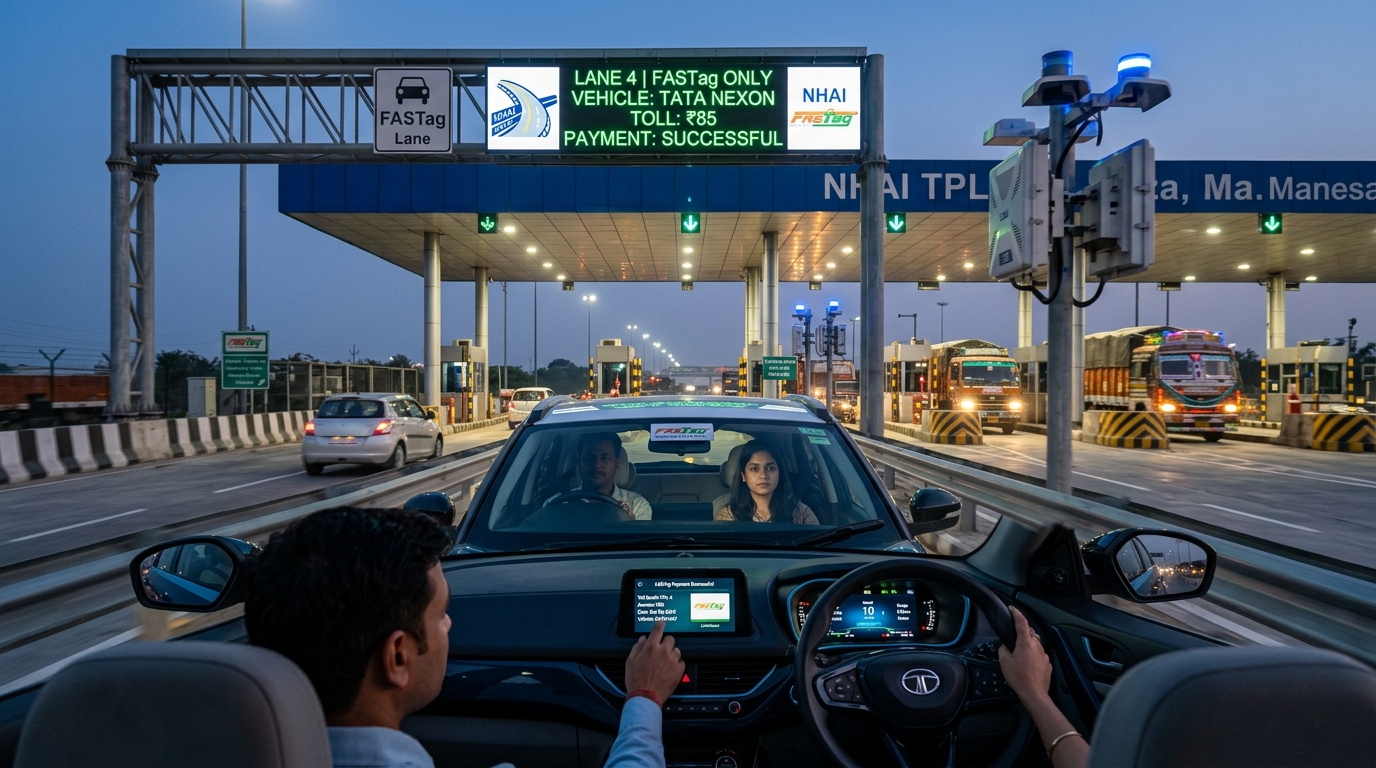
Quick Summary & Key Takeaways (Featured Snippet)
Understanding the 'One Vehicle, One FASTag' Rule
The National Highways Authority of India (NHAI) and National Payments Corporation of India (NPCI) introduced strict regulations to eliminate the proliferation of multiple tags on a single vehicle and fraudulent tag reassignment across commercial fleets.
Every vehicle registration number (VRN) must now be mapped to exactly one unique FASTag ID. If an owner purchases a replacement tag from another bank, the earlier tag is immediately blacklisted across the National Electronic Toll Collection (NETC) central switch.
Recommended Video Tutorials & Practical Guides
How to Check Active FASTag Status and Linked Bank
Before executing recharges or applying for a new tag, verify which tag ID is actively recognized by the central clearing house:
Via NPCI NETC Portal
Visit npci.org.in under NETC section > 'Check Your FASTag Status'. Enter your complete Vehicle Registration Number (e.g., DL01AB1234) and captcha to see tag status (Active, Hotlisted, Low Balance).
Official NPCI SwitchVia IHMCL Portal
Open fastag.ihmcl.com, log in using your registered mobile number and OTP, click 'My Profile' > 'KYC Status' to check whether your tag requires document re-upload.
NHAI AuthorizedStep-by-Step FASTag KYC Update Process
- Identify Your Issuing Bank: Look at the logo on your windshield tag (e.g., SBI, ICICI, HDFC, Axis, Kotak, Paytm Payments Bank, IDFC FIRST, Airtel Payments Bank).
- Access the Bank's Dedicated FASTag Portal: Log in using your registered mobile number and verify via OTP.
- Upload Mandatory Documents:
- Vehicle Registration Certificate (RC) clear front and back scan.
- Proof of Identity (Aadhaar Card, Passport, or Voter ID).
- Passport-size photograph of the registered owner.
- Submit for Bank Verification: Verification turnaround usually takes between 24 to 48 hours. Upon validation, the status changes from Low KYC to Full KYC.
FASTag Status Codes Explained
| Tag Status | What It Means | Toll Plaza Impact | Resolution Action |
|---|---|---|---|
| Active (Green) | Full KYC completed, positive balance above minimum threshold. | Seamless boom barrier pass-through. | No action needed; maintain balance. |
| Low Balance (Orange) | Balance fell below security deposit reserve (e.g., under ₹150). | May trigger barrier alarm or require cash clearance. | Recharge immediately via UPI / Net banking. |
| Blacklisted / Hotlisted | KYC pending, negative balance, or duplicate tag detected under One Vehicle One Tag. | Tag rejected. Obligated to pay 2X cash toll fee. | Complete online KYC or close older inactive tags. |
How to Recharge FASTag Instantly via UPI
Recharging your tag is seamless with unified NETC handles on Google Pay, PhonePe, Paytm, or BHIM. Every tag has a standardized UPI Virtual Payment Address (VPA):
Example: For an ICICI Bank tag on vehicle DL01AB1234, send money to: netc.dl01ab1234@icici
Frequently Asked Questions
How do I remove my FASTag from the blacklist?
If blacklisted due to low balance, top up the tag with an amount greater than the minimum threshold (₹200+). The bank will update the NETC mapper within 15 to 45 minutes. If blacklisted due to KYC non-compliance, upload your vehicle RC and Aadhaar on your bank's FASTag portal.
Can I transfer my FASTag to the new owner after selling my car?
No. FASTags cannot be transferred between individuals. The seller must surrender or close the tag with their issuing bank and request a refund of the security deposit. The new buyer must obtain a fresh tag registered under their own KYC and updated RC.