
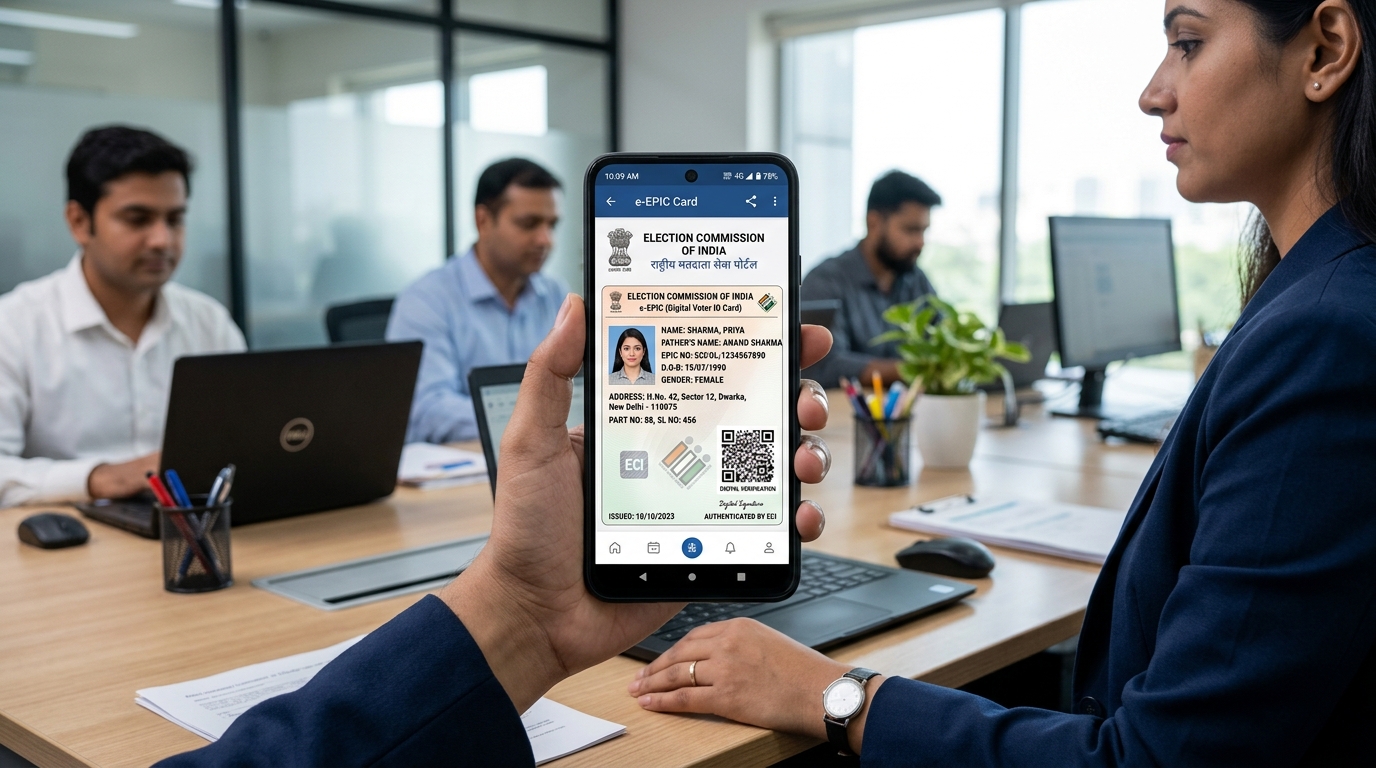
Quick Summary & Key Takeaways (Featured Snippet)
ECI Voter Service Portal: Key Online Services
The Election Commission of India has consolidated all state electoral portals into a single centralized web hub: voters.eci.gov.in. Citizens can register, transfer constituency, correct typographic errors, and track field verification in real time.
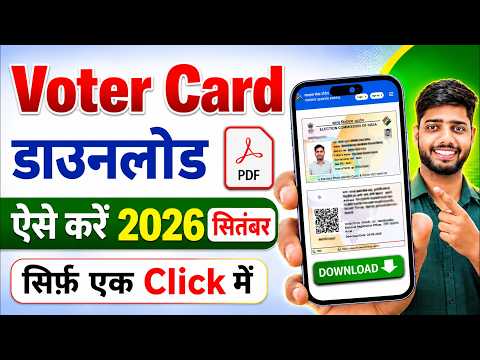
Recommended Video Tutorials & Practical Guides
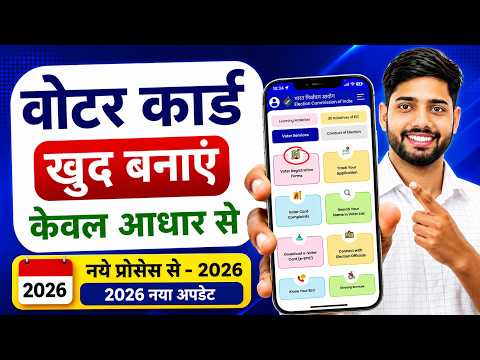
Overview of Key Voter Registration Forms
| Form No. | Purpose & Application | Key Documents Needed | Processing Timeline |
|---|---|---|---|
| Form 6 | First-time registration for Indian citizens turning 18 years old. | Age proof (Aadhaar/10th marksheet), Address proof, Photo. | 15 to 30 days (BLO visit) |
| Form 6A | Registration for Non-Resident Indian (NRI) overseas electors. | Valid Indian Passport copy with valid visa pages. | 20 to 45 days |
| Form 7 | Objection for proposed inclusion or deletion of existing name (due to death/migration). | Death certificate or relocation confirmation. | 15 to 21 days |
| Form 8 | Shifting of residence, correction of details, or replacement of lost/damaged EPIC. | Aadhaar, electricity bill, or document proving corrected info. | 10 to 20 days |
Step-by-Step: How to Apply for a New Voter ID (Form 6)
- Register an Account: Visit voters.eci.gov.in and sign up using your 10-digit mobile number and create a secure password.
- Select Form 6: Under the Electors section, click Form 6: Register as a New Elector.
- Fill Personal & Assembly Details:
- Select your State, District, and Legislative Assembly Constituency.
- Enter your Full Name (spelled exactly as in your Aadhaar card).
- Upload a clear, forward-facing passport photograph (JPG/JPEG < 2MB).
- Provide Contact & Relative Info: Enter Father's / Mother's / Spouse's name and input your mobile number to receive OTP verification.
- Upload Mandatory Verification Proofs:
- Proof of Age: Birth Certificate, Aadhaar, PAN Card, or Indian Passport.
- Proof of Residence: Bank Passbook, Aadhaar, Electricity/Water bill, or registered rent deed.
- Submit & Note Reference ID: Review the completed draft, submit, and copy your alphanumeric Reference ID (e.g., F6A12345678) to track the Booth Level Officer (BLO) verification.
How to Download Digital e-EPIC Voter Card PDF
Instant e-EPIC Download Steps
- Visit voters.eci.gov.in and click on the E-EPIC Download tile.
- Select search mode: EPIC Number or Form Reference Number.
- Select your State / Union Territory and click Search.
- Click Send OTP (sent to your linked registered mobile number).
- Enter the 6-digit OTP, click Verify, and click Download e-EPIC to save your high-resolution official PDF.
Frequently Asked Questions
What if my mobile number is not registered with my Voter ID?
If your mobile number is not linked to your EPIC, you cannot receive the download OTP. In this scenario, file Form 8 on the portal under "Correction of Entries", select "Mobile Number", enter your active phone number, and verify via Aadhaar OTP. The mobile record updates within 7-10 days.
How can I check if my name is in the voting electoral roll before elections?
Go to electoralsearch.eci.gov.in. You can search by: (1) Details (Name, Father's Name, Age, State, District), (2) EPIC Number, or (3) Mobile Number. The system will display your polling station, part number, and serial number.