GST & TaxIncome Tax & SavingsStatutory Master Guide

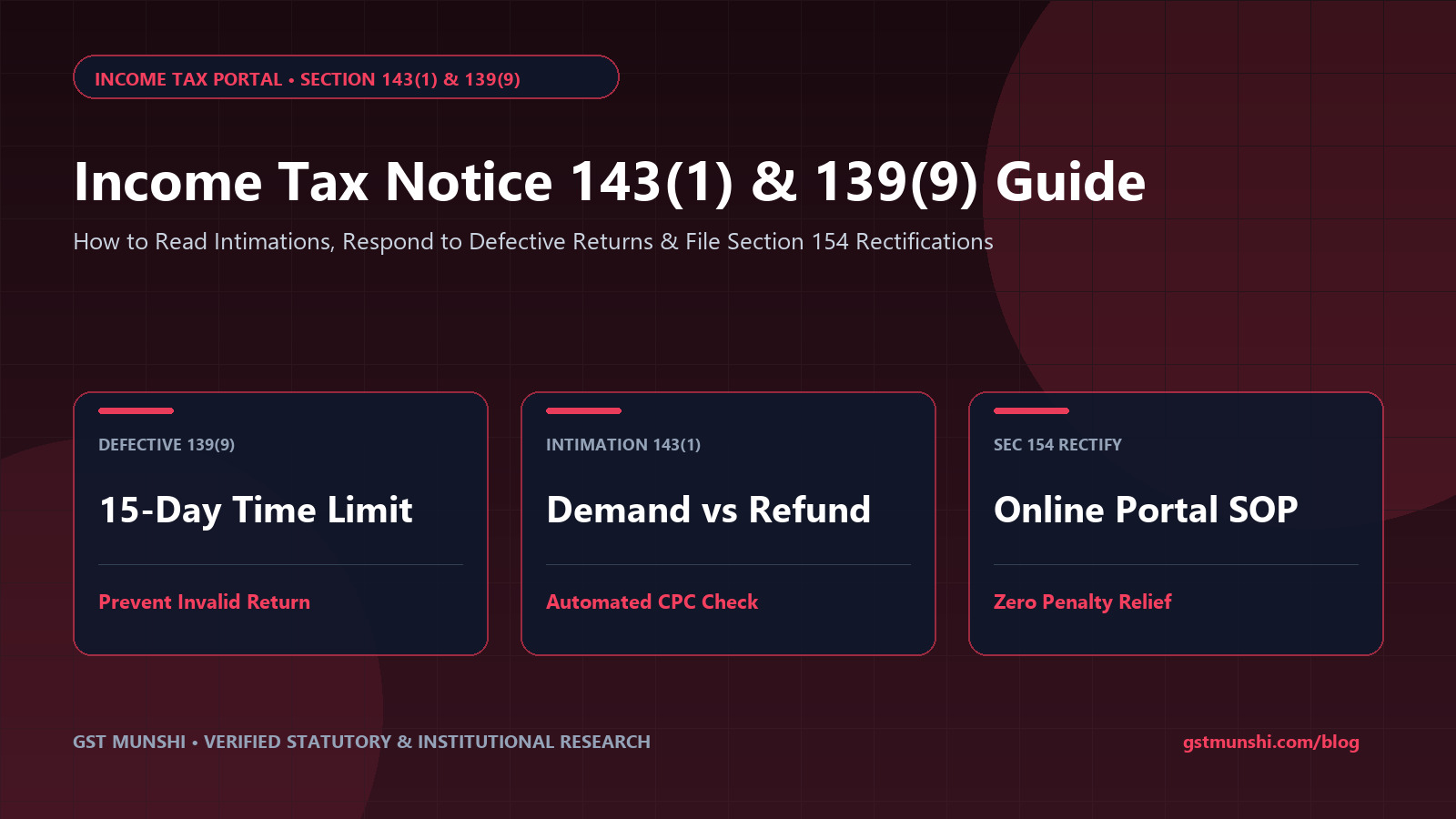
Income Tax Notice 143(1) & 139(9): Online Reply Guide

Authoritative statutory guide to answering Income Tax notices under Section 143(1), 139(9), 245, and 148. Step-by-step e-Filing rectification SOP, AIS feedback, and penalty prevention.

GBy GST Munshi Tax Litigation & Compliance Desk•Published: 2026-10-13•22 min read
Verified against Official Govt Circulars & Statutes
Share
Income Tax Notice 143(1) & 139(9): Online Reply Guide
Income Tax & Savings — Statutory Master Guide
Read in Your Regional Language:
Quick Answer & Key Takeaways

How do I reply to an Income Tax notice under Section 143(1) or Section 139(9) online in 2027?

To reply to an Income Tax notice online, log in to incometax.gov.in and navigate to 'Pending Actions' > 'e-Proceedings' or 'Response to Outstanding Demand'. For Section 143(1) intimation mismatches, submit an online Rectification Request under Section 154 if there is an apparent clerical error, or pay the tax demand via Challan ITNS 280. For Section 139(9) defective returns, upload the corrected ITR JSON within 15 days to prevent your return from being declared invalid.
143(1) IntimationAutomated
30 Days

Rectification request window under Section 154

CPC Computerized Match
139(9) DefectiveStrict Limit
15 Days

Mandatory deadline to file corrected ITR JSON

Invalid Return Risk
Sec 245 OffsetRefund Hold
30 Days

Window to dispute past demand adjustment

Automatic Deduction
Sec 234F PenaltyLate Fine
Up to ₹5,000

Charged if defective return is invalidated

Statutory Late Fee
Statutory Notice Diagnostic Engine

Income Tax Notice Classification & Response Wizard

Select your notice section below to reveal exact statutory deadlines, e-Filing steps, and penalty mitigation rules.

Select Notice Section Received
Severity: Low to MediumDeadline: 30 Days from date of intimation

Section 143(1)(a) — Summary Assessment & Intimation

Primary Cause: Mismatches between claimed TDS vs 26AS/AIS, arithmetic calculation discrepancies, or deduction rejection.

Standard Operating Resolution Protocol:
1Log in to incometax.gov.in > 'e-File' > 'Income Tax Returns' > 'View Filed Returns'.
2Download PDF of Section 143(1) Intimation and open with password (PAN in lowercase + Date of Birth).
3Compare 'As computed by Taxpayer' vs 'As computed by Department'.
4If mistake is apparent from record: File online Rectification Request under Section 154.
5If tax demand is legally valid: Pay online under 'e-Pay Tax' (Assessment Year Tax).
Ignoring a valid 143(1) tax demand accrues 1% monthly interest under Section 220(2).

Statutory Framework of Faceless e-Proceedings in 2027

The Income Tax Department has modernized its audit apparatus through automated algorithms, the National Faceless Assessment Centre (NFAC), and real-time Statement of Financial Transactions (SFT) feeds. Every transaction—from share sales and credit card payments to mutual fund dividends—is tracked in your Annual Information Statement (AIS).

When differences occur between your filed ITR and the data fed by banks, mutual fund registrars (CAMS/KFintech), or employers, the system generates automated notices. Understanding the statutory section cited on the top-right header of your notice is the first step toward swift resolution.

SOP Protocol: Filing an Online Section 154 Rectification Request

1Locate Intimation Order in e-Filing Portal

Navigate to ‘Services’ > ‘Rectification’ > ‘New Request’. Select ‘Income Tax’ and choose the Assessment Year.

2Select Rectification Request Type

Choose from: ‘Reprocess the Return’, ‘Tax Credit Mismatch Correction’, or ‘Return Data Correction (Offline/Online)’.

3Reconcile Form 26AS & AIS Schedules

If TDS credit was missed due to late filing by your employer or bank, verify that updated 26AS shows the deducted tax before submitting.

4Submit & Track Rectification Order

Once submitted, a 15-digit acknowledgement number is generated. The CPC will process the request and issue a revised 154 Order within 30 to 60 days.

Verified Practitioner Disclosures

Verified Direct Tax Litigator & Chartered Accountant Disclosures

in
CA Harshvardhan Goel, FCA
Tax Litigation Partner & Faceless Appeal Specialist
Sec 154 Appeal

“Never ignore a Section 143(1) intimation showing a demand, even if it is just ₹1,000. Interest under Section 220(2) compounds continuously. If it is an erroneous denial of 80C or TDS credit, filing a Section 154 rectification takes under 10 minutes on the portal.”

Key Takeaway: File Section 154 rectification immediately to arrest interest accumulation.
in
Nalini Sampath, LL.B., DISA
Senior Counsel, High Court Tax Practice
Sec 139(9) 15-Day

“Under Section 139(9), the 15-day timeline is jurisdictional. If you miss the window, the return becomes void ab initio. If you need more time to audit books or fetch statements, submit an online adjournment request before day 15 expires.”

Key Takeaway: Seek official adjournment if unable to submit corrected JSON within 15 days.
𝕏
CA Nitin Parekh (@NitinParekh_Tax)
Direct Tax Advisory & AIS Verification Guide
AIS Feedback

“Got an inquiry notice for high-value transactions in AIS? Don't panic. 80% of mismatches stem from joint accounts, duplicate broker reporting, or mutual fund switchovers. Submit AIS feedback on portal before filing ITR.”

Key Takeaway: Submit AIS feedback directly on the portal to resolve duplicate reporting.
𝕏
TaxScrutiny Help (@TaxScrutiny_IN)
ITR Appeals & e-Proceedings Watch
Sec 245 Demand

“Checking Section 245 notices is critical. Often, old erroneous demands from 2012 or 2014 sit in the system and eat away your legitimate current year refund. Dispute them with past challan receipts immediately!”

Key Takeaway: Challenge ghost demands under Section 245 using archived BSR challans.

Verified Video Guides: Responding to Income Tax Notices

Watch procedural tutorials on defective returns, Section 154 rectification, and outstanding demand responses:

Video Tutorial: How to Reply to Section 143(1) Notice on e-Filing Portal
Watch on YouTube
How to Reply to Section 143(1) Notice on e-Filing Portal
Click to Play Video
How to Reply to Section 143(1) Notice on e-Filing PortalOpen in App
Video Tutorial: Section 139(9) Defective Return Rectification Step by Step
Watch on YouTube
Section 139(9) Defective Return Rectification Step by Step
Click to Play Video
Section 139(9) Defective Return Rectification Step by StepOpen in App
Video Tutorial: How to Submit Online Rectification Request Under Section 154
Watch on YouTube
How to Submit Online Rectification Request Under Section 154
Click to Play Video
How to Submit Online Rectification Request Under Section 154Open in App
Video Tutorial: Section 245 Response: How to Protect Your Tax Refund from Deduction
Watch on YouTube
Section 245 Response: How to Protect Your Tax Refund from Deduction
Click to Play Video
Section 245 Response: How to Protect Your Tax Refund from DeductionOpen in App

Related Tax Compliance & Assessment Guides

Explore interconnected analyses on tax forms, regime break-even, and salary deductions:

Sponsored SpotlightIndia's #1 MSME Compliance Platform

Automate GST Billing, Inventory, Thermal POS & GSTR-1 Portal JSON Exports

Trusted by Indian shopkeepers, distributors, and Chartered Accountants. Start free with zero setup fees.

Share
C
Senior Statutory & Financial Research Desk

Citizen Compliance Cell

Citizen Compliance Cell is a specialized editorial research unit at GST Munshi comprising Chartered Accountants, tax litigators, commercial bankers, and policy analysts dedicated to verifying Indian statutory circulars (CBIC, CBDT, RBI, IRDAI, and Ministry Gazettes) into actionable guides.

Questions & Discussion

0 Comments

Have a question or feedback about Income Tax Notice 143(1) & 139(9): Online Reply Guide? Ask below. Dedicated discussion thread for this page.

Leave a Comment or Ask a Question
Spam Protected (UGC nofollow) Email is 100% private
All submitted hyperlinks automatically receive rel="nofollow ugc" tags. Zero do-follow backlinks.0 / 2,000

Loading live discussions...

Related Articles

All Guides

More in GST & Tax

View All GST & Tax
100% Free Starter Plan • No Credit Card Required

Ready to Simplify Your GST Billing & Accounting?

Join 10,000+ Indian retailers and SMEs who create invoices, print thermal receipts, and export GSTR-1 in seconds.

Instant WhatsApp Invoice Sharing2" & 3" POS Thermal PrintingOne-Click GSTR-1/3B Govt Exports