Quick Summary & Key Takeaways (Featured Snippet)
Interactive MeeSeva & e-District Certificate Eligibility & Checklist Engine
Select your state and certificate category to view exact document requirements, statutory validity rules, and official delivery SLAs.
Official Delivery Timeline under Public Service Guarantee Act
- Salary Slip / Form 16 / Income Affidavit
- Aadhaar Card of Applicant & Family Head
- Ration Card / Food Security Card
- Electricity Bill / Municipal Property Tax Receipt
The Digital Revenue Framework: MeeSeva, e-District & ServicePlus
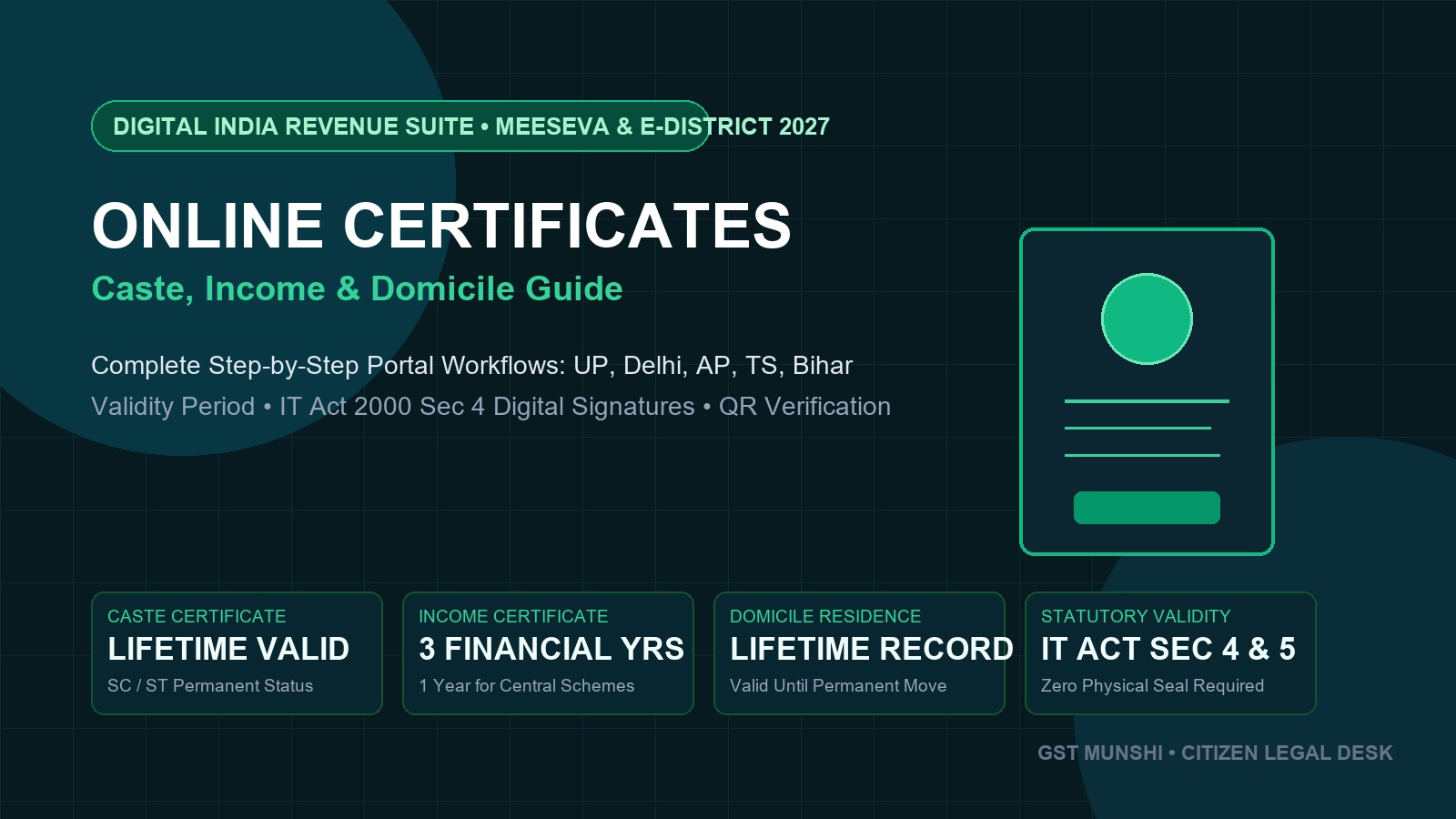
The digitization of land revenue and citizen administration under the National e-Governance Plan (NeGP) transformed how Indian citizens obtain foundational proof of identity, financial standing, and community membership. Pioneer systems like **MeeSeva** in Andhra Pradesh and Telangana established the blueprint for single-window citizen delivery, now replicated nationwide through state **e-District** portals and the central **ServicePlus** engine.
| Certificate Type | Primary Purpose | Statutory Validity | Key Evidence Required |
|---|---|---|---|
| Income Certificate (Aay) | Scholarships, EWS quota, fee waivers, welfare benefits | 1 to 3 Years (Annual review) | Salary slip, Form 16, agricultural land record, ITR |
| Caste Certificate (Jati) | Educational & recruitment affirmative action | Lifetime (SC/ST) | 1 Yr (OBC-NCL) | Father's caste proof, school transfer certificate (TC) |
| Domicile / Residence (Niwas) | State quota admissions (NEET/JEE) & state recruitment | Permanent Lifetime | 3–7 years continuous school bonafide, electricity bill |
Step-by-Step SOP: Online Application Workflow on Citizen Portals
Register Citizen Profile on Your Respective State Portal
Visit your state portal (e.g., meeseva.telangana.gov.in, ap.meeseva.gov.in, edistrict.up.gov.in, or serviceonline.bihar.gov.in). Click on "Citizen Registration". Enter your mobile number, verify via Aadhaar OTP, and create your citizen login credentials.
Select the Revenue Department Service
Navigate to Revenue Department Services. Choose the specific certificate: "Issuance of Income Certificate", "Community & Date of Birth Certificate (Caste)", or "Residence / Domicile Certificate".
Complete Data Fields and Upload Legible Evidence
Fill in personal particulars, father/mother details, permanent address, and Mandal/Tehsil jurisdiction. Upload scanned PDF/JPEG copies of:
• Applicant photo and Aadhaar Card.
• Paternal lineage record (Father's caste certificate or TC) for caste applications.
• Salary certificate or agricultural self-declaration for income applications.
• Continuous school study certificates (Class 1 to 10) for domicile applications.
Pay Service Fee and Track the Application Reference Number (ARN)
Pay the statutory fee (₹30 to ₹50) via UPI or Net Banking. The system issues an official Application Reference Number / Transaction ID. The application routes to the Village Revenue Officer (VRO) / Revenue Inspector (RI) for verification and finally to the Tahsildar for digital signature approval.
Download Digitally Signed Certificate and Sync to DigiLocker
Upon approval (within 7 to 15 days), log in to the portal and download your digitally signed PDF certificate containing the official QR code. Open DigiLocker, search for your state's Revenue Department, enter the certificate number, and store your permanently verifiable credential for all future educational and job applications.