How does Apple Pay work in India, and how do I enable it on my iPhone?
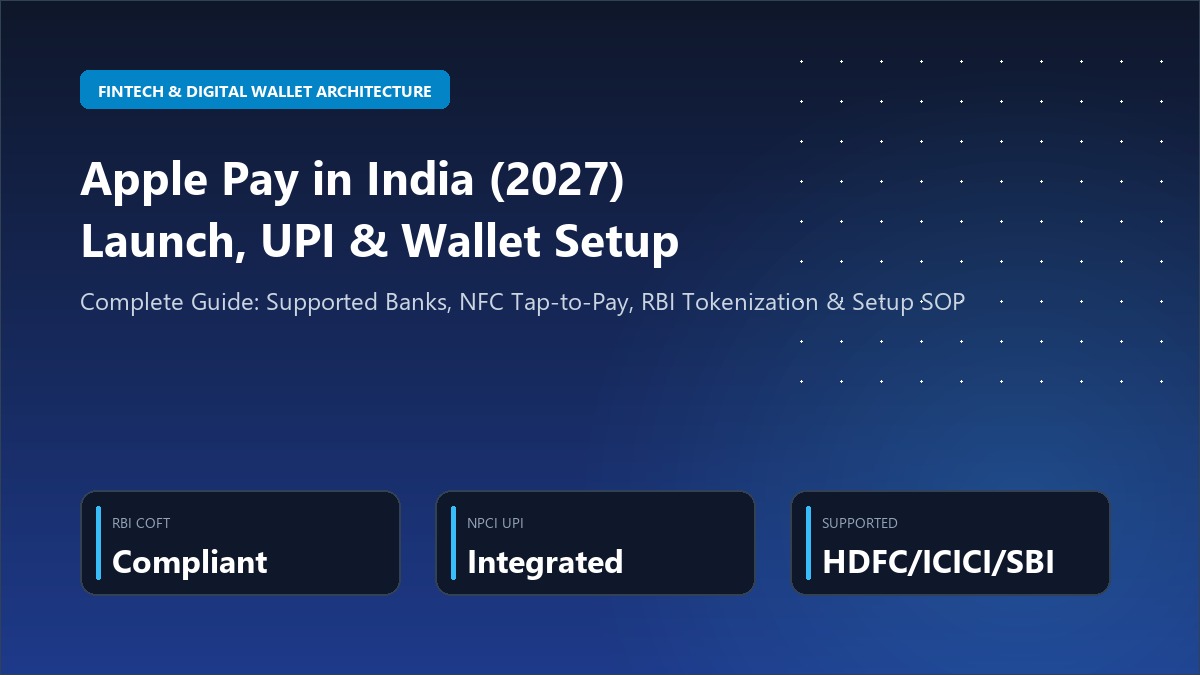
Apple Pay in India operates under the Reserve Bank of India (RBI) Card-on-File Tokenization (CoFT) mandate. Users can link supported Visa, Mastercard, and RuPay cards from partner banks (such as HDFC, ICICI, SBI Card, and Axis Bank) into the native Apple Wallet app. When paying at contactless POS machines, the iPhone transmits an encrypted device-specific token backed by biometric Face ID or Touch ID authentication, eliminating physical card exposure. Transactions up to ₹5,000 complete instantly without entering a 4-digit bank PIN.
1. Interactive Device & Bank Card Compatibility Checker
Before initiating card provisioning, verify whether your hardware model, card-issuing bank, and underlying card network (Visa, Mastercard, or RuPay) have completed RBI tokenization integration:
Apple Pay India Card & Device Compatibility Simulator (2027)
Verify your iPhone model, Indian bank issuer, and payment network compatibility in real time
Full support across Infinia, Regalia, Millennia, and Corporate Cards with instant OTP tokenization.
2. The RBI Card-on-File Tokenization (CoFT) Security Architecture
The primary regulatory bottleneck that delayed Apple Pay's entry into India was the RBI's stringent Card-on-File Tokenization (CoFT) circular (RBI/2021-22/96 DPSS.CO.PD No.1221/02.14.003/2021-22). Under these guidelines, neither payment aggregators nor device manufacturers (including Apple) are legally permitted to store the actual 16-digit Primary Account Number (PAN), card expiry date, or CVV on their servers.
Your device creates a unique Device Account Number (DAN) that is isolated inside an industry-standard, tamper-resistant certified hardware chip. Even iOS cannot directly read this cryptographic key.
Every single tap-and-pay generation produces a unique, single-use dynamic cryptogram. Even if a rogue terminal records the broadcast signal, the data cannot be replayed for fraudulent purchases.
Token vault references, encryption handshakes, and issuer authentications remain strictly hosted within data centers located inside India's statutory jurisdiction in adherence to RBI localization directives.
3. Supported Indian Banks & Card Network Matrix (2027 Status)
Not all card variants from an issuing bank are enabled simultaneously. Premium travel cards and NFC-enabled chip cards lead the provisioning schedule, followed by mass-market debit tiers:
| Bank / Issuer | Eligible Credit Cards | Eligible Debit Cards | Supported Networks | Authentication Type |
|---|---|---|---|---|
| HDFC Bank | Infinia, Diners Black, Regalia Gold, Millennia, Tata Neu | Millennia Debit, EasyShop Platinum (NFC) | Visa, Mastercard, RuPay | NetBanking / Instant OTP |
| ICICI Bank | Amazon Pay ICICI, Emeralde Private, Sapphiro, Rubyx | Sapphiro Debit, Coral International NFC | Visa, Mastercard | iMobile App Push / SMS OTP |
| SBI Card / SBI | SBI Card Aurum, Elite, Prime, SimplyCLICK, Cashback | SBI Global International Contactless Debit | Visa, Mastercard | YONO App / SMS OTP |
| Axis Bank | Axis Magnus, Atlas, Olympus, Flipkart Axis, Ace | Burgundy World Debit, Priority Contactless | Visa, Mastercard, RuPay | Open by Axis App / OTP |
| Kotak Mahindra | Kotak White, League Platinum, Zen Signature | Privy League Platinum Debit | Visa, Mastercard | Kotak Mobile App / SMS |
4. Step-by-Step SOP: Adding Your Indian Bank Card to Apple Wallet
Follow this 4-step verified Standard Operating Procedure (SOP) to tokenize and activate your credit or debit card:
Launch the native Wallet app on your iPhone. Tap the “+” icon in the top right corner. Select Debit or Credit Card, then position your physical card within the camera frame to automatically capture the card number and expiry date, or enter them manually.
Verify your name as printed on the card and enter the 3-digit CVV from the back of your card. Review and accept the bank’s RBI Card Tokenization Terms of Service by tapping Agree.
Your issuing bank triggers an automated 6-digit One-Time Password (OTP) to your registered mobile number and email. iOS automatically parses the incoming SMS OTP to validate and bind your unique token inside the Secure Element.
After iPhone activation, Wallet will prompt you to add the tokenized card to your paired Apple Watch. Because Apple Watch possesses its own independent Secure Element chip, a separate cryptographic token is generated for wrist-tap payments.
5. Architectural Comparison: Apple Pay vs UPI vs Google Pay
Understanding how Apple Pay complements rather than replaces India's dominant Unified Payments Interface (UPI):
| Key Dimension | Apple Pay (NFC Contactless) | UPI (Scan & Pay QR) | Google Pay (Android NFC + UPI) |
|---|---|---|---|
| Transaction Execution | Offline NFC Tap (0.4 Seconds) | Camera QR Scan + 4/6 Digit PIN (4–8 Seconds) | NFC Tap or QR Scan (1–6 Seconds) |
| Internet Connectivity | Works 100% Offline on Phone | Requires Active 4G/5G/WiFi on Phone | Requires Periodic Token Sync |
| Merchant Acceptance | All POS machines with NFC wave symbol (3M+ terminals) | Universal (50M+ Soundbox / Paper QRs) | Universal QR + NFC POS |
| Rewards & Lounge Access | 100% Retains Credit Card Milestone & Reward Points | Limited Rewards (Bank Account Debit) | Retains Card Rewards when tapping card |
6. Contactless Transaction Limits, Dynamic CVV & FEMA Forex Rules
All Apple Pay transactions in India strictly abide by the regulatory framework codified by the RBI and FEMA:
- Up to ₹5,000 per transaction: Zero PIN entry required. Double-click side button and authenticate via Face ID to authorize payment.
- Above ₹5,000 per transaction: POS machine will prompt you to enter your confidential 4-digit card PIN after successful Face ID handshake.
- Custom Daily Caps: You can manage and reduce your contactless daily limit anytime through your issuing bank’s mobile application.
- Zero Reprovisioning Needed: When traveling to the US, Europe, Dubai, or Singapore, tap your iPhone seamlessly at transit gates and retail stores.
- Forex Markup: Standard bank markup (1.5% to 3.5%) applies unless using zero-forex cards (e.g. Scapia, Niyo, or Infinia).
- LRS Limits: All overseas payments count against your annual $250,000 Liberalised Remittance Scheme (LRS) quota.
7. Troubleshooting Common Apple Wallet Provisioning Failures
Root Cause: International/Contactless transactions are toggled OFF in your banking app.
Fix: Log in to HDFC MyCards, ICICI iMobile, or SBI Card app. Navigate to Card Controls > Domestic Usage and turn ON Contactless (NFC) Transactions. Re-attempt provisioning after 2 minutes.
Root Cause: iPhone Region is misconfigured or Date & Time is out of sync.
Fix: Go to Settings > General > Language & Region and verify Region is set to India. Ensure Date & Time > Set Automatically is toggled ON.
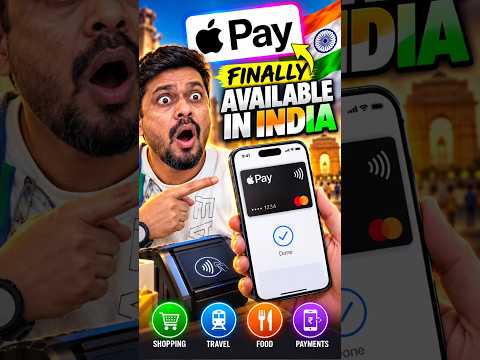
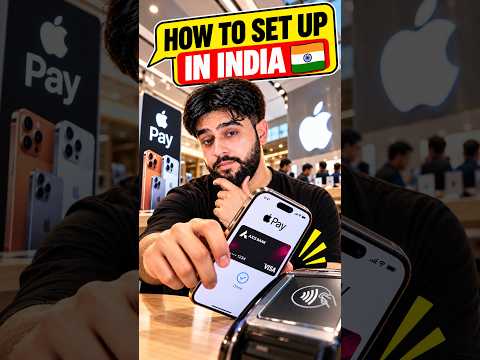
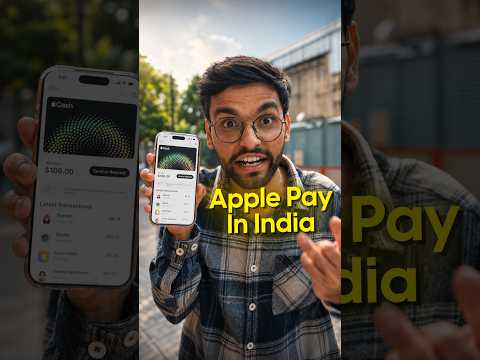
8. Verified Video Walkthroughs: Setup, NFC Tap & Real POS Testing
Watch comprehensive step-by-step video tutorials demonstrating Apple Pay card provisioning on iPhone and testing tap-to-pay on Indian POS machines:
9. Frequently Asked Questions (FAQ)
Does Apple Pay charge any convenience fees or surcharges to the user?
No. Apple Pay is 100% free for consumers. There are zero subscription charges, convenience fees, or transaction surcharges. Any fees associated with credit card transactions are absorbed by the merchant acquirer under standard Merchant Discount Rate (MDR) rules.
Can I use Apple Pay without cellular data or an internet connection?
Yes! Because the tokenized Device Account Number resides natively inside the hardware Secure Element chip, your iPhone or Apple Watch communicates directly with the POS terminal via magnetic near-field induction (NFC). You can tap and pay in basements, flights, or remote locations without active 4G/5G data.
What happens if I lose my iPhone? Can someone make contactless payments?
No. Unlike a physical card that can be tapped by anyone who finds it, Apple Pay strictly requires biometric Face ID or Touch ID authentication before sending payment credentials. Furthermore, you can instantly suspend or erase all tokenized cards remotely via iCloud.com/find without having to block or reissue your physical plastic credit card.